Solutions for the school day
Connected communities.
More confident teams.
Technology works best when it starts with a real school need. Discover where Cast and Guard can help yours.
School communications · Cast
Put useful information where people will see it.
Turn hallways, front offices, cafeterias, and common spaces into a consistent communications channel. Create content in Cast or bring in familiar tools such as Google Slides and Canva.
- School news, daily announcements, and reminders
- Playlists and schedules for the right time and place
- Authorized priority alerts on selected displays
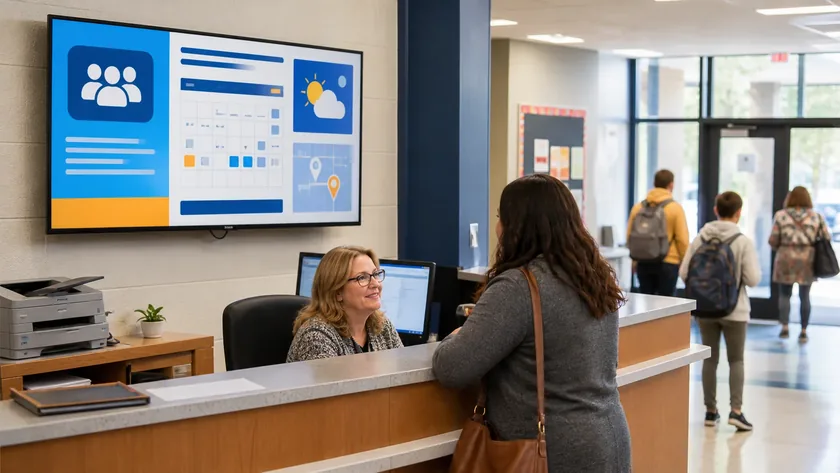
Events & activities · Cast
Keep the whole campus in the loop.
Help students, staff, and visitors see what’s coming up. Schedule event reminders, celebrate achievements, and keep information relevant to each building.
- Athletics, performances, clubs, and campus events
- Content scheduled around the school calendar
- Room scheduling panels and QR reservations

Email security · Guard
Move from suspicious email to an informed response.
Guard brings inbound message inspection, quarantine, investigation, and reviewed-response workflows together for school technology teams.
- Authentication, sender, content, attachment, and link signals
- Context for related messages, reports, and campaigns
- A guided evaluation matched to your mail environment
Evaluations currently focus on qualified Google Workspace environments. Integration scope is confirmed before activation.
Discover Guard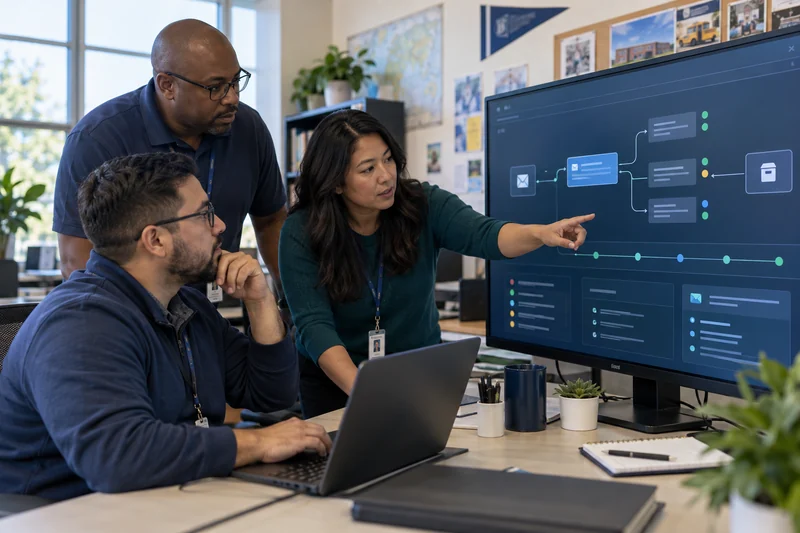
District-wide communication · Cast
One district. Every building in view.
Balance shared communication with local ownership. Organize displays by building and group, delegate responsibility, and monitor player health from one workspace.
- District-wide and building-specific content
- Roles and permissions that match the work
- Building licenses with unlimited displays at each licensed location

Talk with K12First
What would make your school day better?
Tell us about your communication or email-security priorities. We will help you find the right starting point.