Strengthen the baseline
Inventory domains and legitimate senders, review Google Workspace controls, and check how your team handles user reports. Add inspection and response workflows around a clear understanding of the existing environment.
Solutions for the school day
Plan a school email-security workflow with Guard: review suspicious messages, document evidence, assign response ownership and evaluate your Google Workspace scope.
Built around the people doing the work
School technology teams, mail administrators, help desks, and security leads.
Explore Guard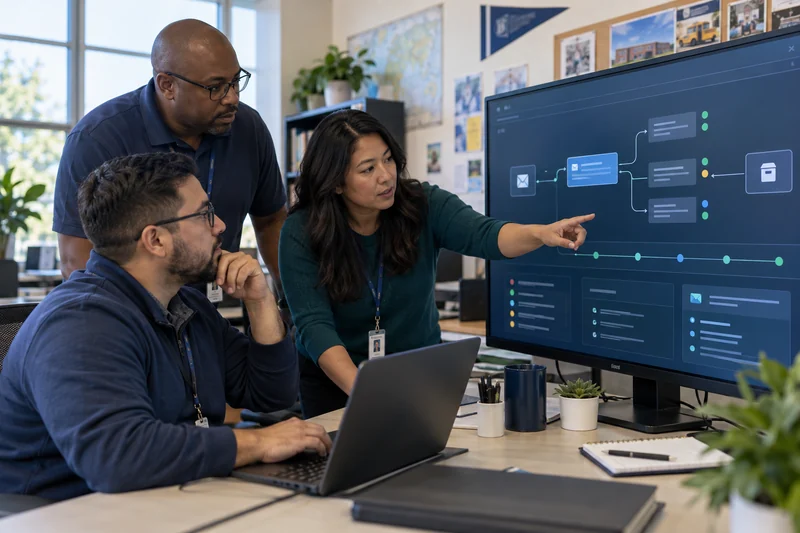
Inventory domains and legitimate senders, review Google Workspace controls, and check how your team handles user reports. Add inspection and response workflows around a clear understanding of the existing environment.
Review sender identity, authentication, content, attachments, links, and related activity together. Guard is designed to show the evidence behind suspicious-message decisions rather than leaving the operator with a warning alone.
Use tenant-aware roles, quarantine review, and authorized provider actions within the agreed integration scope. Confirm the target and effect of a consequential action and retain its available evidence.
Define the initial domains, mailbox scope, handling expectations, success criteria, and rollback plan with K12First. Current guided evaluations focus on qualified Google Workspace environments.
Talk with K12First
Tell us what your team needs. We will help you find the right product and starting point.