Change the destination, not the printout
Update where a managed QR code leads while keeping the same code on your sign, flyer or handout.
Branded codes · editable links · analytics
Connect printed materials to useful digital information. Create branded QR codes and short links, manage destinations, and see engagement with K12First QR.
Contact us for current availability and evaluation options.
Purposeful capabilities
Update where a managed QR code leads while keeping the same code on your sign, flyer or handout.
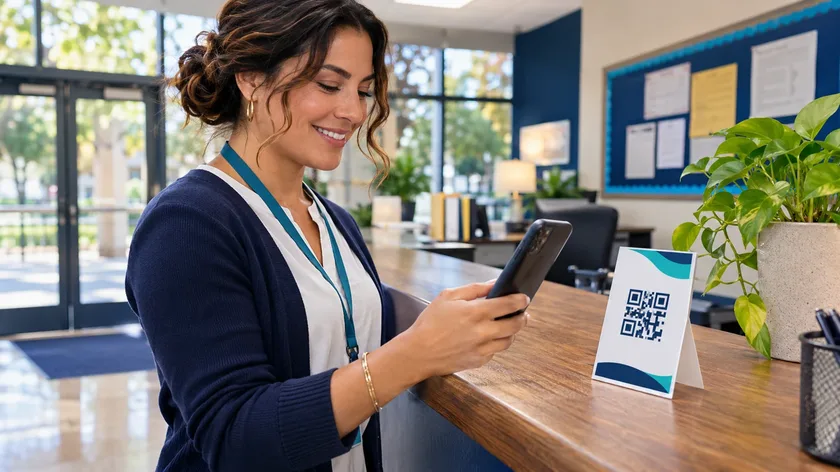
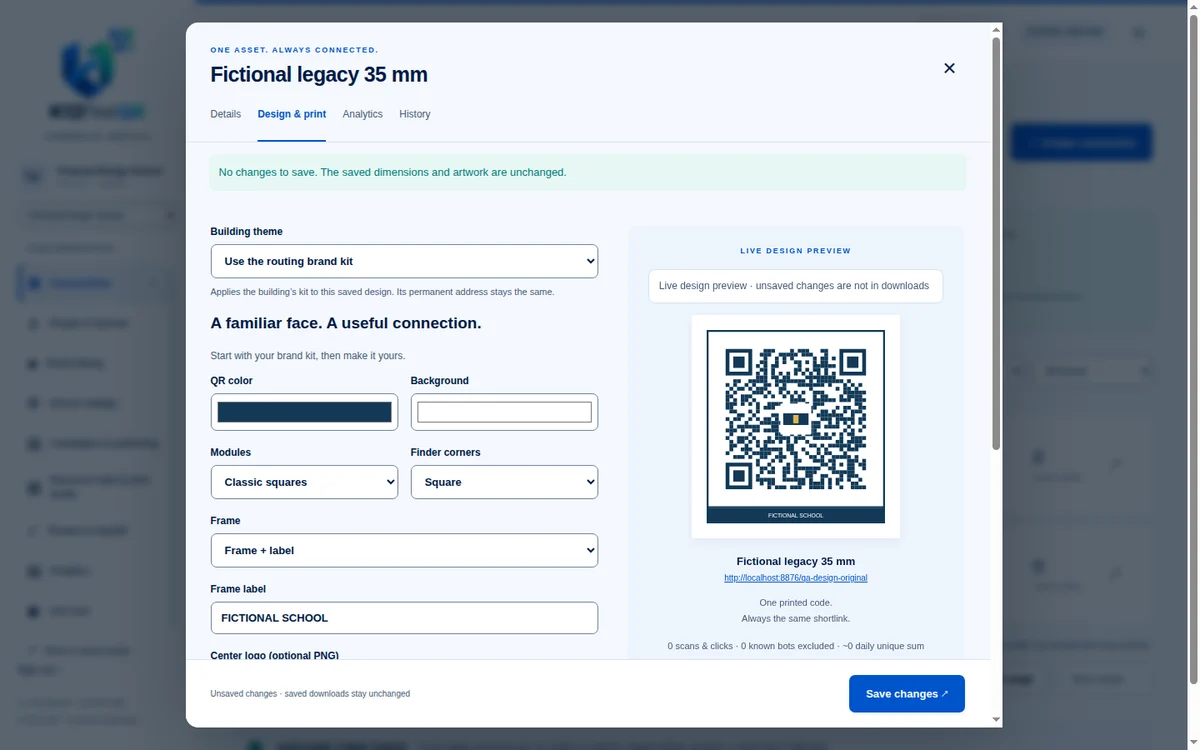
Customize code design, logo placement and print size with a live preview. Test the finished code on its intended material before distributing it.
Organize codes and links around districts, buildings and teams rather than an unstructured collection of one-off files.
Use analytics and district dashboards to understand how your codes and short links are being used.
Designed for your team
For school offices, communications teams and technology departments managing event information, family resources, visitor guidance and frequently updated links.
Before your walkthrough
Choose a school-approved web destination and name the team responsible for keeping it current. A QR code is a route to the destination, not a replacement for its access controls.
Bring your logo and intended print dimensions. Check contrast, quiet space and the final printed code on multiple phones before distributing materials.
Confirm the live domain, access and plan scope before printing. Local demonstration addresses are not for public distribution. Include a readable link for people who cannot scan.
Inside the product
Adjust your colors, shape and frame while reviewing the code preview. Test the saved export before printing.
Straightforward pricing
Choose monthly billing or save 10% with annual billing. All prices in USD.
$25 / month
Or $270 / year, billed annually.
Discuss QR School$79 / month
Or $853.20 / year, billed annually.
Discuss QR DistrictPlan limits, included services and implementation scope are confirmed with your team before purchase. Contact us to confirm current availability. No self-service checkout is offered here.
Before you get started
Managed QR destinations are editable, so the same printed code can point to updated information. Always test the destination after a change.
QR supports branded designs and logo-size controls. The final print size, contrast and logo coverage should be tested on real devices.
Contact K12First to confirm current access and enrollment options. Plan scope and rollout details are confirmed before activation; this page does not offer self-service checkout.
Test the saved export at its final physical size, not just the on-screen preview. Check several phones, lighting conditions, logo coverage and the destination. Keep a readable short link beside the code.
The design screen below was captured from the working QR application using synthetic local test data. It illustrates design controls, not a customer deployment. Demo addresses are not for public printing, and current access is confirmed with K12First.
Your next step
Tell us about your workflow. We’ll discuss the current product and a suitable starting point.