For communications teams
Create once, schedule ahead, and keep messages consistent across entrances, classrooms, cafeterias, libraries, athletics, and district offices.
K12Cast school digital signage
Create, schedule, govern, and deliver announcements, events, alerts, and live information to every school display from one beautifully focused workspace.
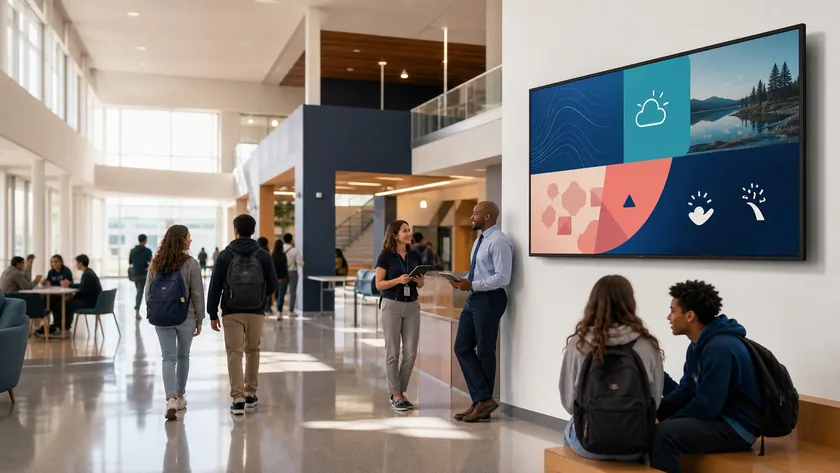

A complete visual communications platform
Staff can keep working in Google Slides, Canva, and Microsoft 365—or create directly in K12Cast. Admins gain the delivery controls that presentation tools alone cannot provide.
School digital signage, explained
School digital signage is a network of TVs, monitors, room panels, and other displays that authorized staff manage from one central platform. Instead of updating every screen by hand, schools can publish announcements, lunch menus, events, recognition, weather, schedules, and urgent alerts to the right locations at the right time.
K12Cast is purpose-built for that K–12 workflow. It combines easy content creation with district-level scheduling, permissions, health monitoring, and browser-based playback—without forcing schools to replace compatible equipment they already own.
See transparent school pricingCreate once, schedule ahead, and keep messages consistent across entrances, classrooms, cafeterias, libraries, athletics, and district offices.
Monitor player health, manage displays remotely, delegate safely, and use Chromebooks, Android devices, smart TVs, or other modern browsers.
Keep using Google Slides, Canva, Microsoft 365, YouTube, and familiar media while administrators retain clear publishing controls.
Temporarily override routine programming with authorized building or district alerts, then return every screen to its normal schedule.
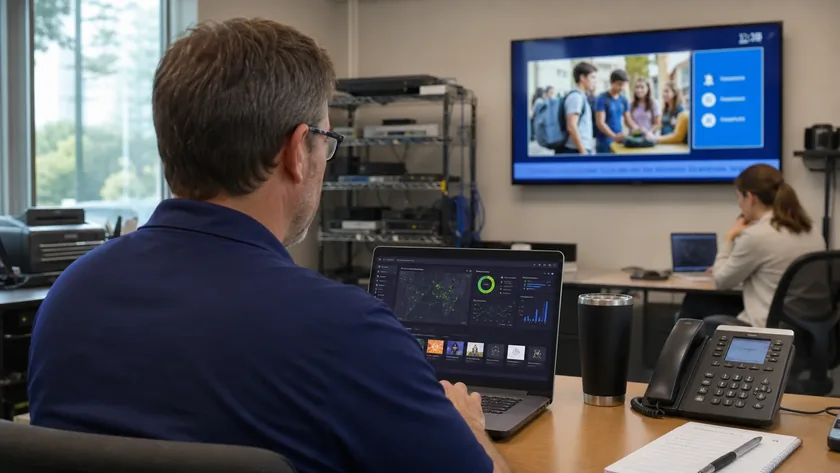
Built for school IT
See display health, current content, schedules, and player readiness from one operational view. Make a change once and deliver it where it belongs.
Create
Build multi-slide presentations with text, images, video, shapes, weather, news, transitions, and reusable templates.
Connect or embed the presentation tools your staff already knows.
Organize uploads, cloud links, YouTube, Microsoft 365, Dropbox, and approved shared media.
Deliver
Sequence content, honor native timing, schedule by audience, and preview the final playback decision.
Combine primary content with clocks, weather, news, tickers, and other supporting zones.
Play M3U and M3U8 sources with HLS recovery, readiness checks, and player-friendly reconnection.
Operate
See what controls each screen, inspect health, identify a display, reload its player, or clear its cache.
Keep slide transitions together or apply per-display offsets to selected playlist items.
Give urgent communications and authorized live sessions the priority they need.
Govern
Create review paths before shared content reaches production displays.
Grant whole-display controls or limit a person to a named supporting zone.
Keep personal, campus, and district content clearly separated and intentionally shared.
K12Cast around campus
From the first family through the front door to the last event of the evening, every display can serve the moment and the space around it.
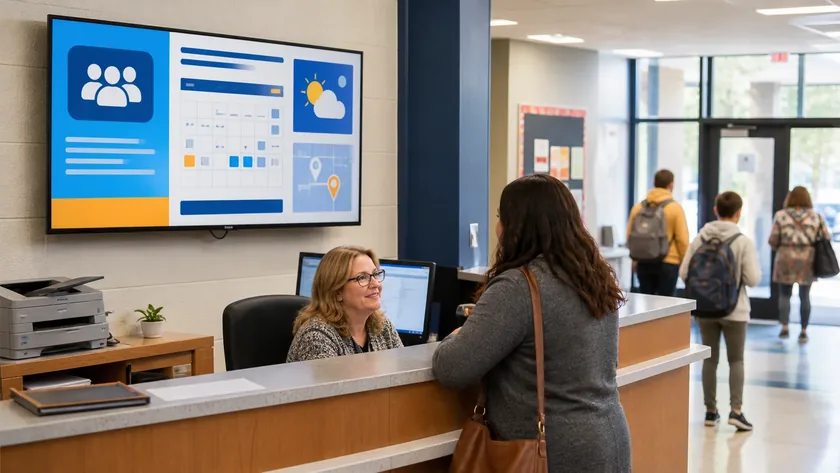
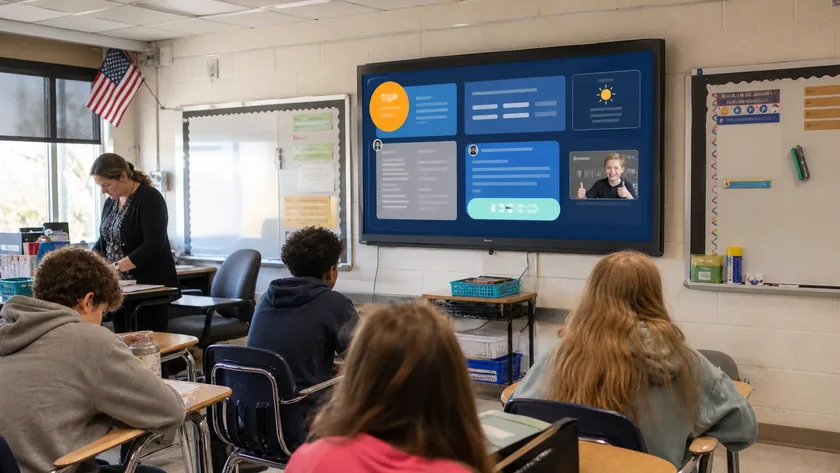
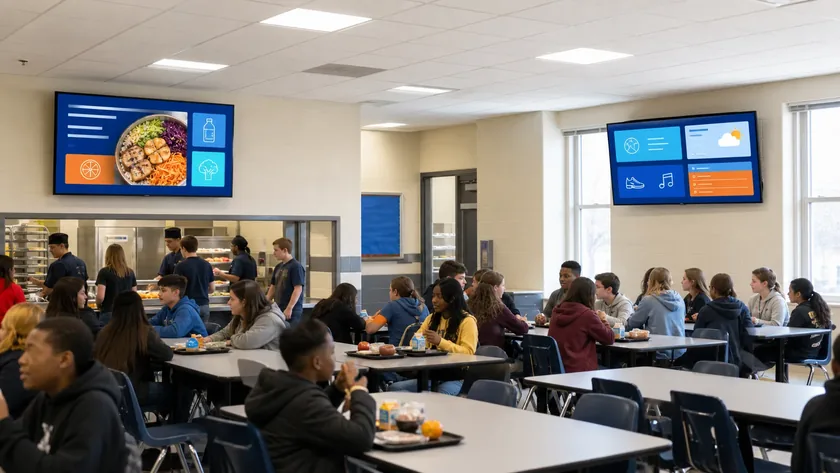
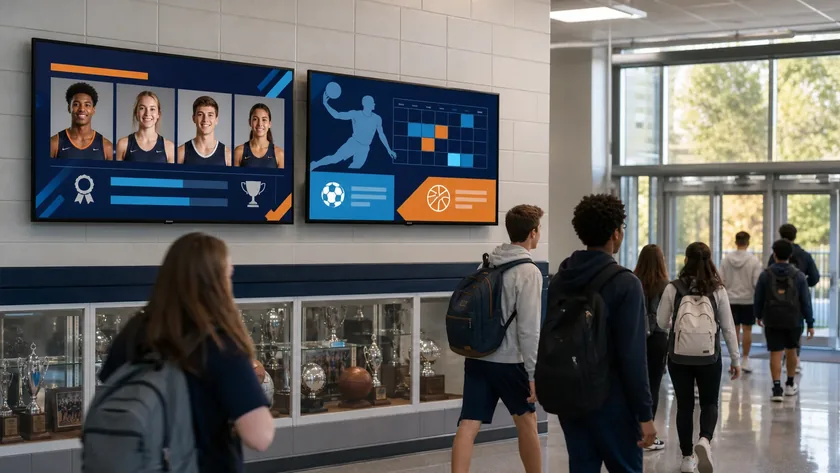
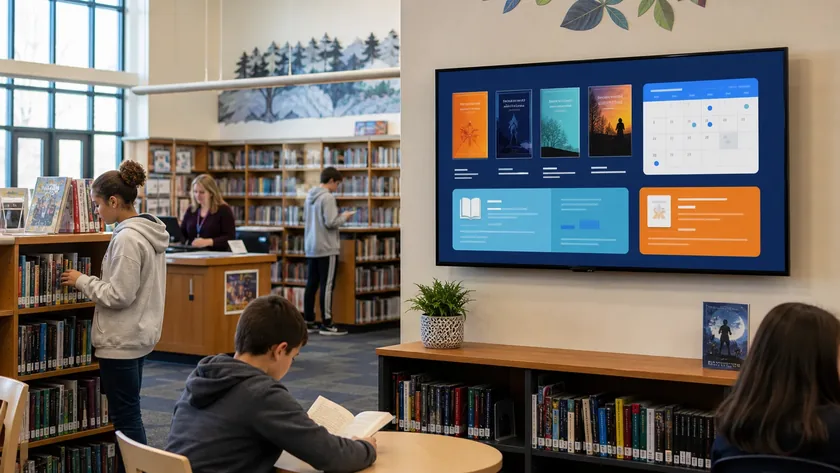
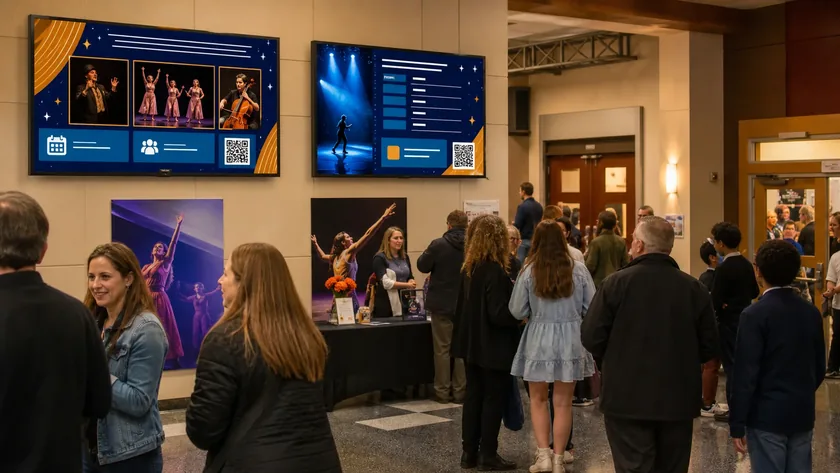
Illustrative school scenarios featuring K12Cast-style screen content.
Works with your ecosystem
Beyond digital signage
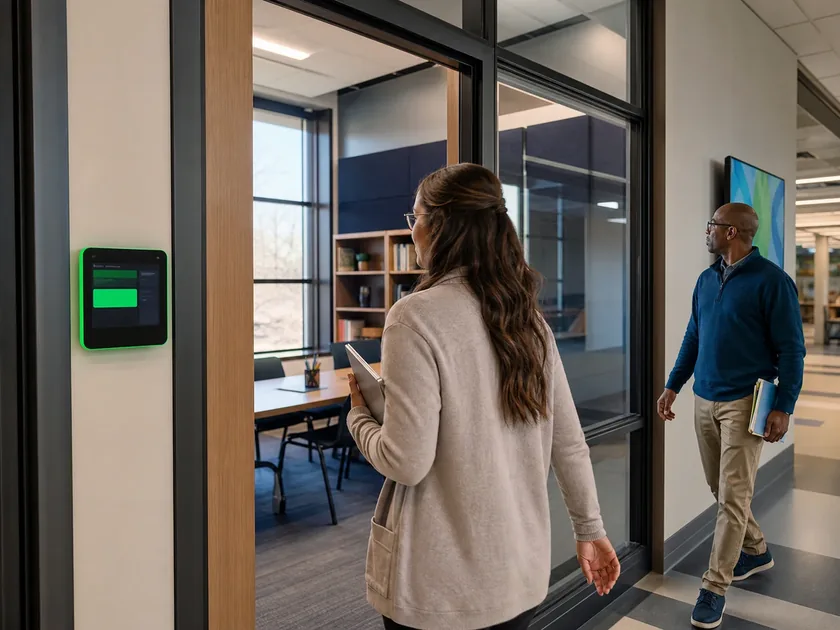
Room schedule panels, touch booking, QR reservations, event check-in, recognition displays, and interactive campus experiences run on the same managed player foundation.
School signage questions
Yes. Schools can connect or embed Google Slides and Canva presentations, along with Microsoft 365, YouTube, Dropbox, live streams, uploaded media, and content created directly in K12Cast.
No. K12Cast runs in a modern web browser, allowing schools to use compatible smart TVs, Android devices, Chromebooks, tablets, and other equipment they already own.
Yes. Authorized teams can organize displays by building and group, schedule district-wide or local content, delegate responsibility, monitor player health, and send urgent alerts from one platform.
Yes. Authorized alerts can temporarily replace scheduled content on selected displays, buildings, or the district, then return screens to normal playback when the alert ends.
Start today
Start with one display, one building, or a complete district trial.